Guides

Learn to make things with AI

Practical walkthroughs, model explainers and honest comparisons — each one ends with the exact steps in Plurel and what they cost. New guides every day.

A wide editorial illustration of five glowing rectangular canvases floating like gallery frames, each filled with a different abstract swirl of color and light representing a different image style, ar
Compare7 min

Best AI Image Generator in 2026: 5 Models Compared

The best AI image generator in 2026 depends on the job. Compare Nano Banana 2, Seedream 5, Grok Imagine 2, GPT Image 2.5 and Qwen Image 3 Pro on cost and use.

Updated Sep 23, 2026
An editorial illustration of a film camera on a dolly track gliding toward a softly lit stage set with warm golden light and long shadows, no text, no logos, no faces.
Prompts9 min

Kling 3.0 Prompts: Camera Moves and Motion That Work

Kling 3.0 prompts that actually work: camera verbs, subject action, pacing and lighting patterns, plus ten copy-paste prompts you can run today.

Updated Sep 23, 2026
An editorial illustration of a glowing digital canvas mid-render, half photorealistic portrait and half wireframe grid, warm studio light, no text, no logos, no real faces
Models3 min

Nano Banana 2 Explained: Features, Price, Best Prompts

What Nano Banana 2 actually does, how its photorealism and consistency work, and 10 copy-paste prompts to run it in Plurel for 4 credits an image.

Updated Sep 23, 2026
An editorial illustration of six glowing film-reel icons of different colors and sizes orbiting a single dial made of coins, symbolizing many video models sharing one credit balance.
Compare6 min

Best AI Video Generator in 2026: Compared by Cost

The best AI video generator depends on length, sound and budget. Compare Veo 3.1, Kling 3.0, Seedance 2.5, Wan, MiniMax and Grok Imagine by cost per clip.

Updated Sep 22, 2026

An editorial illustration of a glowing film reel unspooling into sound waves above a small pile of glowing coin-like credit tokens, clean modern flat style, no text, no logos, no human faces.
Models6 min

Veo 3.1 Explained: Is It Worth the Credits?

What Google's Veo 3.1 actually does, its native audio and editing tools, and when it beats cheaper video models in Plurel. Costs and steps included.

Updated Sep 21, 2026
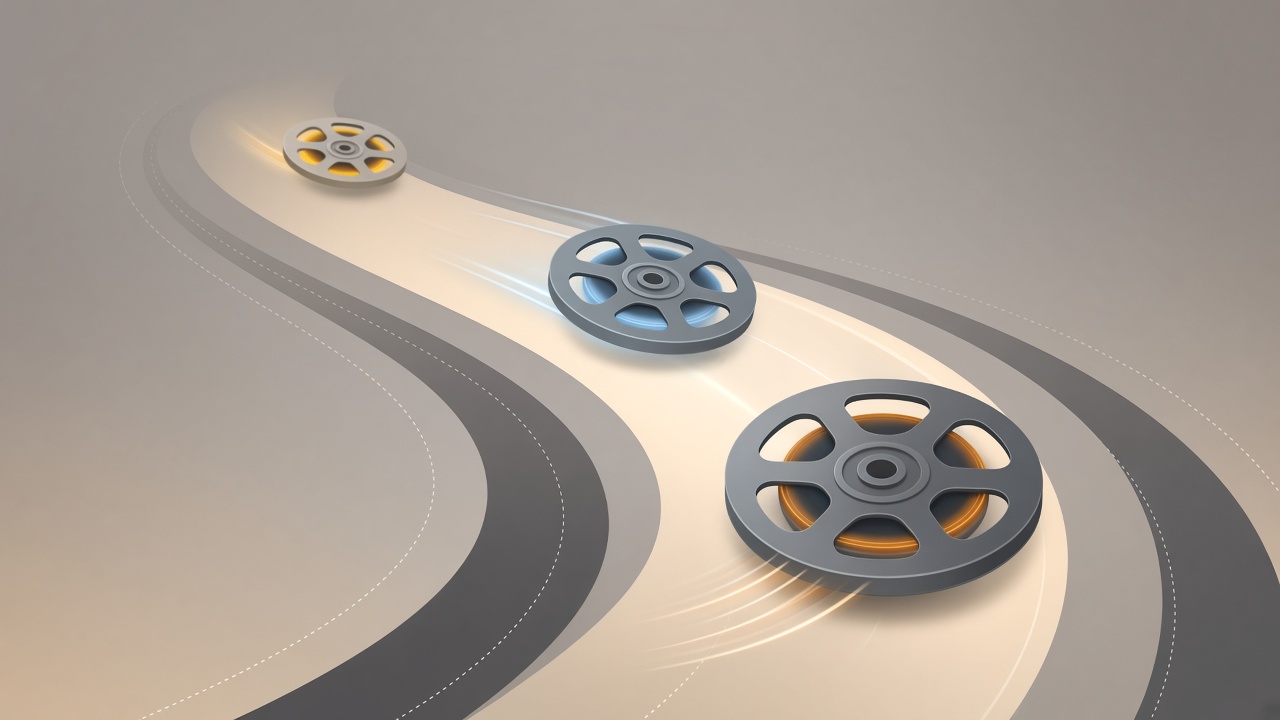
An editorial illustration of three film reels of different sizes and speeds racing along a glowing track, representing tiers of an AI video model family, in a clean modern flat-design style with no te
Models5 min

Kling 3.0 vs Kling O3 vs Kling 3.0 Turbo Compared

Kling 3.0, Kling O3 and Kling 3.0 Turbo compared: multi-shot storyboards, speed, cost, and which one to pick for your next AI video.

Updated Sep 21, 2026
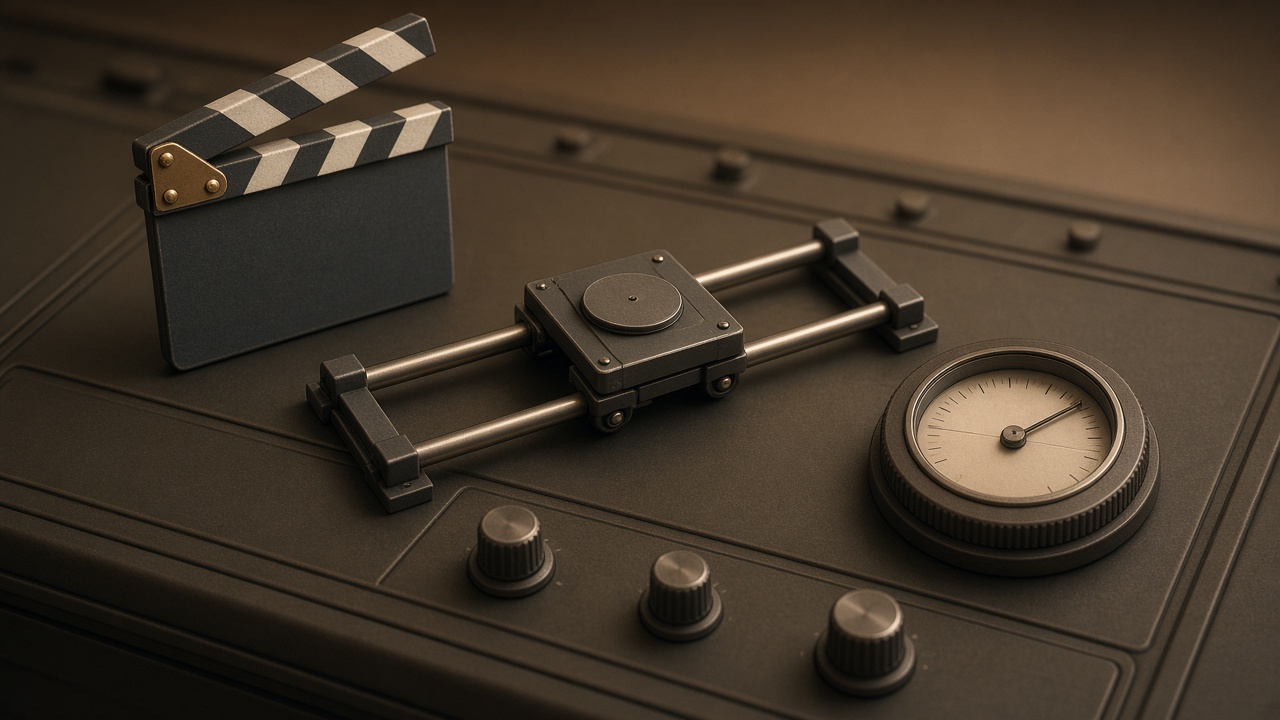
An editorial illustration of a film clapperboard, camera dolly track and light meter arranged like control knobs on a mixing desk, warm studio lighting, no text, no logos, no people.
How-to8 min

AI Video Prompt Tips: Camera, Motion, Light, Duration

AI video prompt tips that actually work: how to write subject, camera, lighting and duration for Kling 3.0 and Seedance 2.5, and what breaks a clip.

Updated Sep 20, 2026
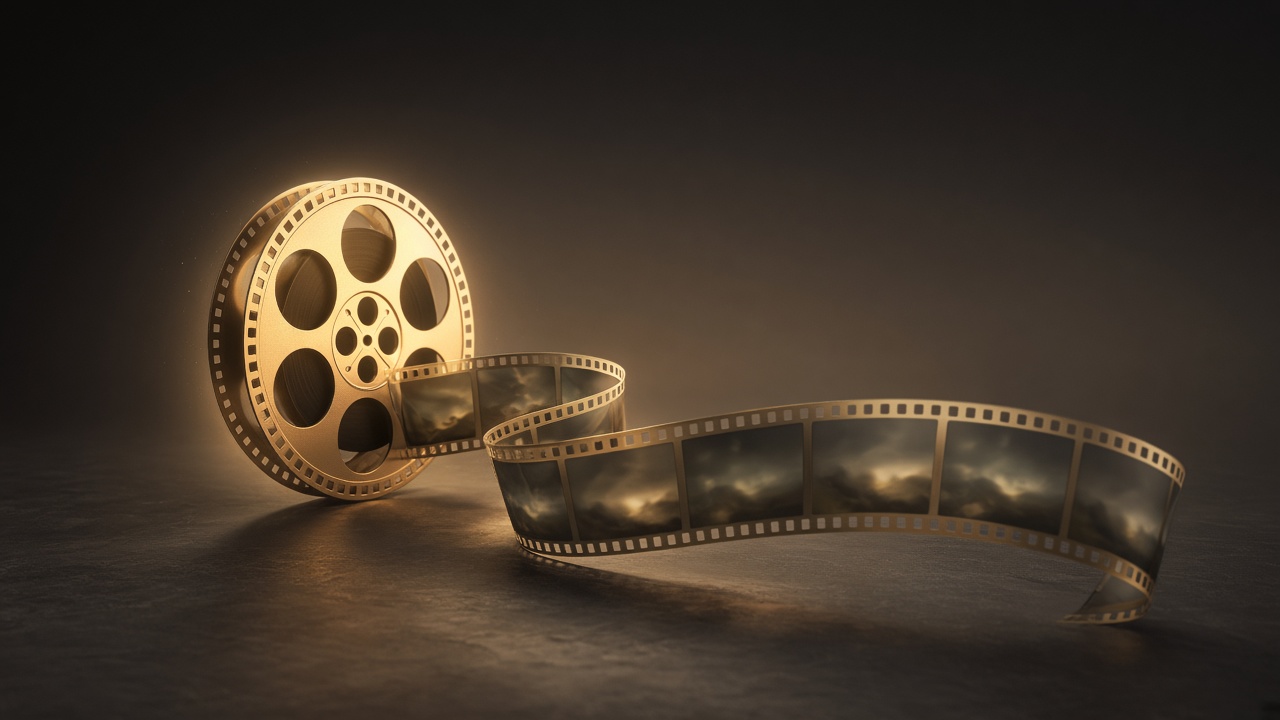
An editorial illustration of a glowing film reel unspooling into a long ribbon of connected video frames over a dark studio floor, warm rim lighting, no text, no logos, no faces
Models7 min

Seedance 2.5: What It Is and How to Use It

Seedance 2.5 explained: ByteDance's 30-second, 4K video model, its reference system, Plurel credit prices, and how it compares to Kling 3.0.

Updated Sep 20, 2026
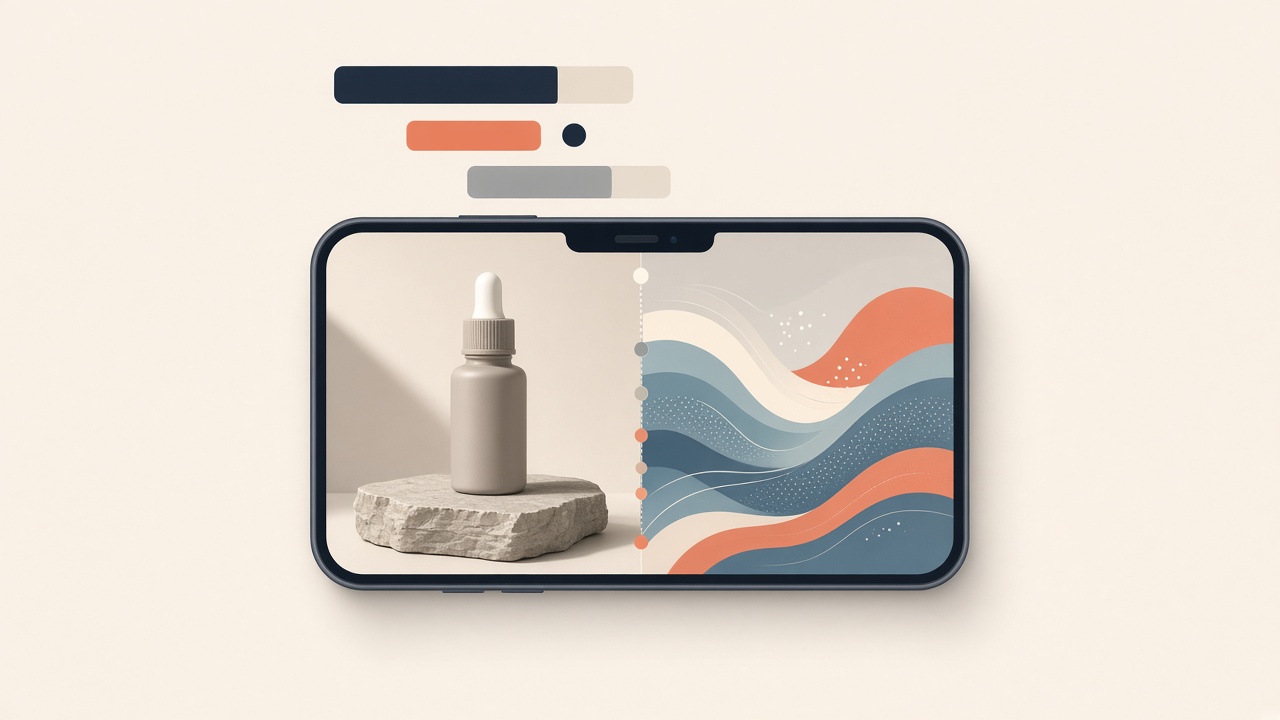
An editorial illustration of a smartphone screen showing a vertical video timeline morphing from a still product photo into a moving scene, bold abstract caption bars floating above it, clean flat col
How-to7 min

AI Video Ad Generator: TikTok/Reels Ad in 10 Minutes

Learn how to use an AI video ad generator to turn one product photo into a 9:16 TikTok or Reels ad in about ten minutes, with real costs.

Updated Sep 20, 2026

An editorial illustration of a director's storyboard desk with a film reel unspooling into a glowing string of picture panels, warm cinematic lighting, no text, no logos, no real faces
How-to6 min

How to Make a Short Film With AI, Start to Finish

Learn how to make a short film with AI: write the plan, design a hero character, animate 3–5 clips, and assemble the finished film in Plurel.

Updated Sep 19, 2026
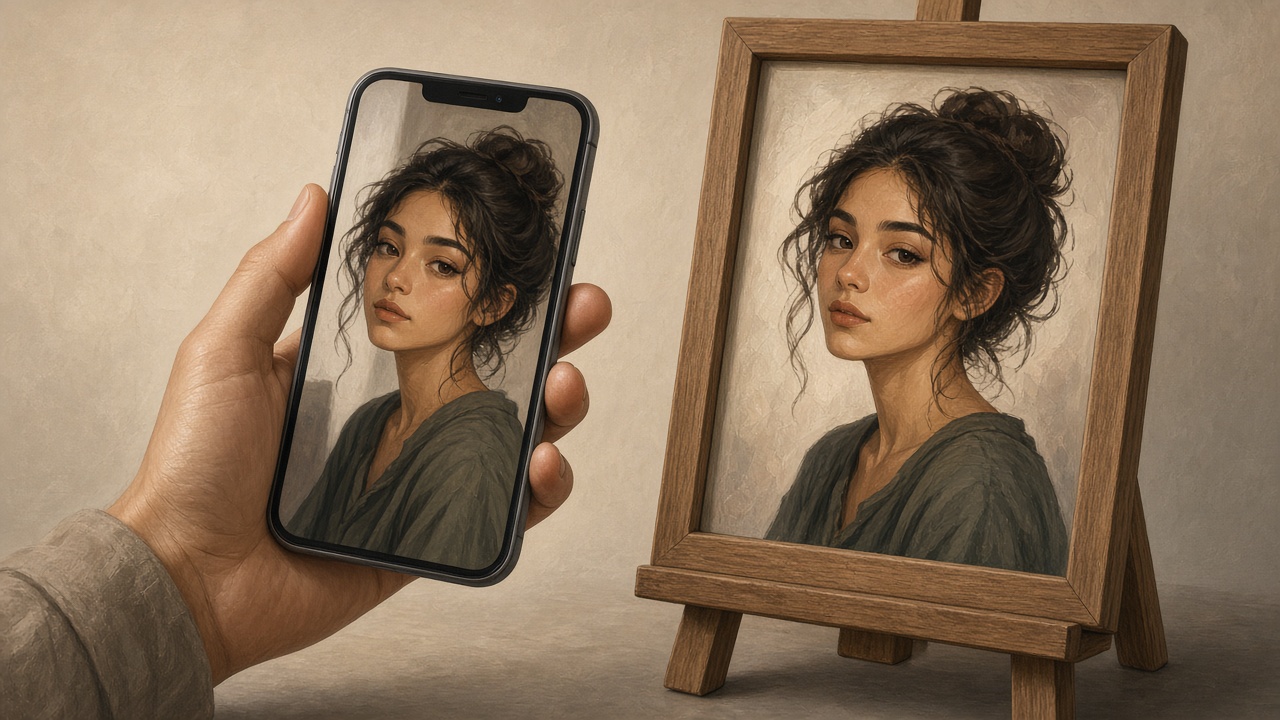
An editorial illustration of a hand holding a phone with a casual selfie on screen, next to a framed studio-style portrait on an easel, warm neutral studio lighting, no text, no logos, no real faces.
How-to6 min

AI Headshot Generator: Turn a Selfie Into a LinkedIn Photo

Learn how an AI headshot generator turns a selfie into a professional LinkedIn photo: what to upload, which styles to pick, and what to avoid.

Updated Sep 19, 2026

Editorial illustration of a pair of scissors cutting a photograph's background away from its subject, the removed background dissolving into a checkerboard transparency pattern, clean flat design, sof
How-to7 min

AI Background Remover: How to Remove a Photo Background

Learn how AI background removers work and how to remove any photo's background cleanly, with sharp edges, in one click for 0.5 credits.

Updated Sep 19, 2026

An editorial illustration of a still photograph on a desk with soft motion lines and light trails flowing out of it into a glowing film strip, warm studio lighting, no text, no logos, no visible faces
How-to6 min

How to Turn a Photo Into a Video With AI

Learn how to turn a photo into a video with AI, step by step, using Seedance 2.5 or Kling 3.0 in Plurel's Animate tool — with prompts and credit costs.

Updated Sep 19, 2026
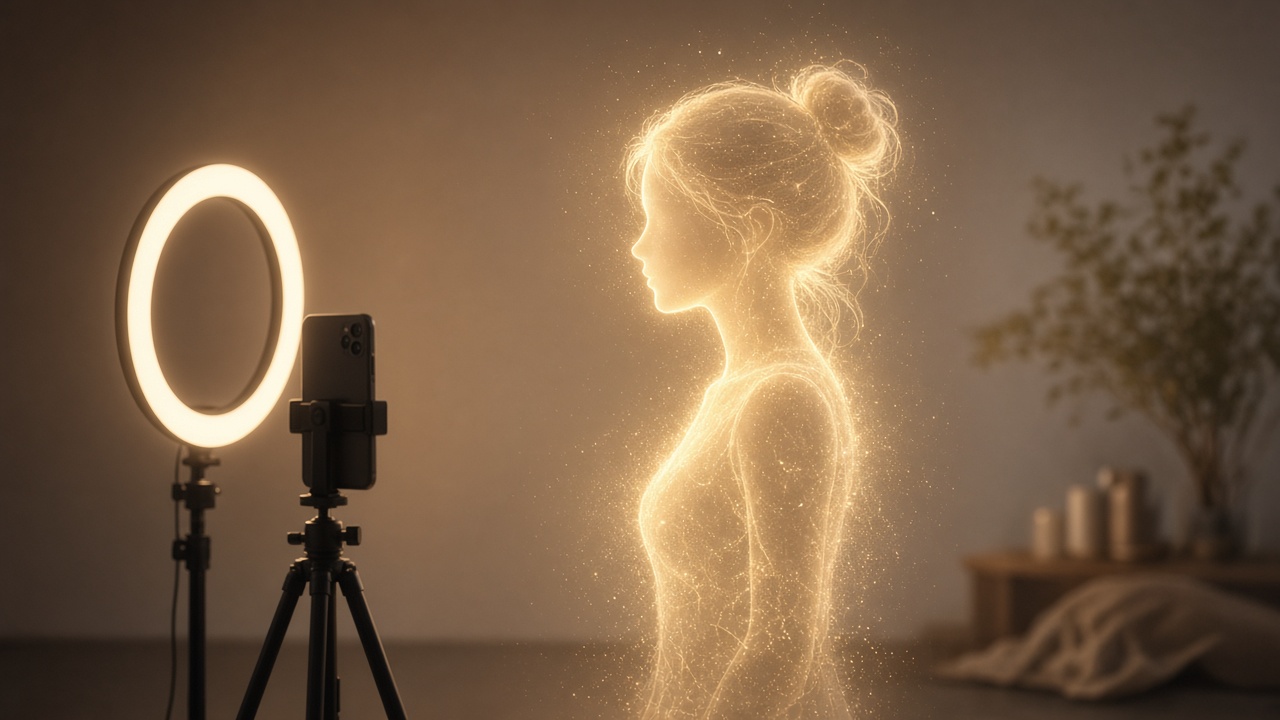
An editorial illustration of a glowing digital silhouette of a young woman made of soft light particles, standing in front of a ring light and a phone on a tripod, warm studio tones, no text, no logos
How-to6 min

How to Make an AI Influencer (and Keep Her Consistent)

Learn how to make an AI influencer with a consistent face across photos and video, then build one step by step in Plurel.

Updated Sep 19, 2026