AI Video Ad Generator: TikTok/Reels Ad in 10 Minutes
Learn how to use an AI video ad generator to turn one product photo into a 9:16 TikTok or Reels ad in about ten minutes, with real costs.
Updated Sep 20, 2026 7 min read
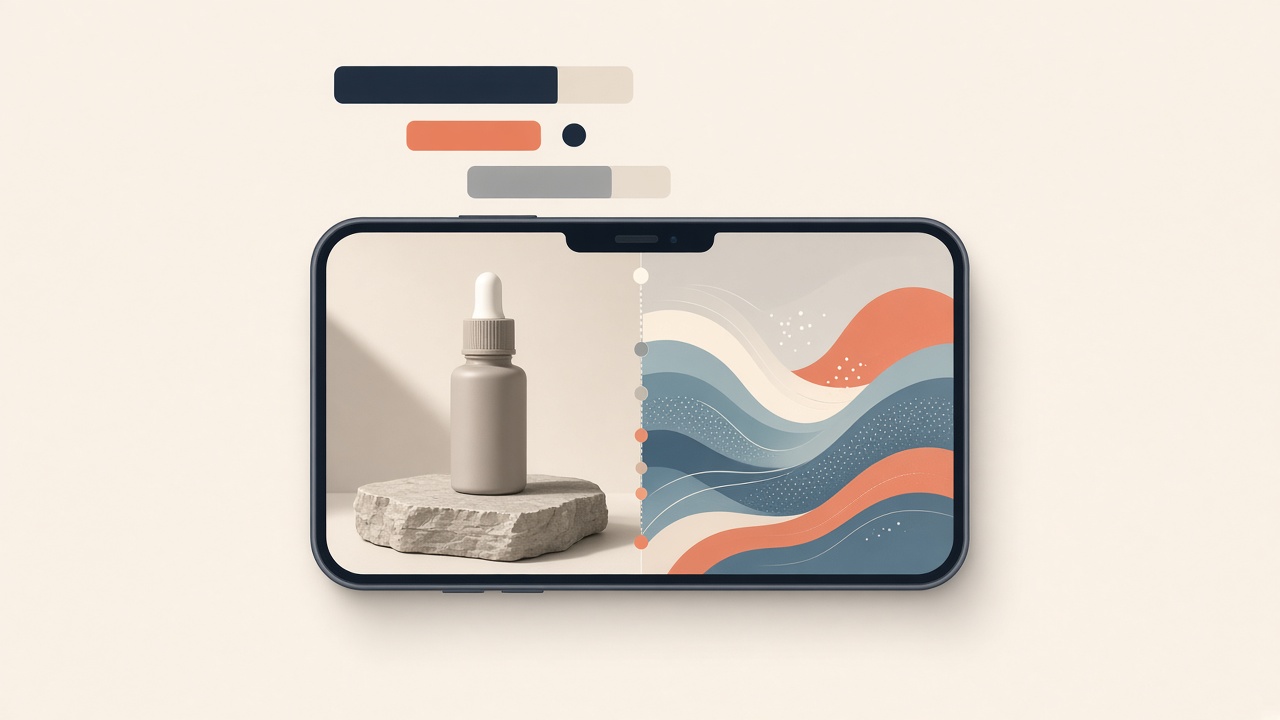
A TikTok or Reels ad is nothing more than a vertical clip with a fast hook, a clear product moment, and on-screen text for the sound-off crowd. You can go from a single product photo to a finished 9:16 ad in about ten minutes using an AI image editor to build the scene and an AI video model to bring it to life — no camera, no actor, no editing software.
What actually makes a scroll-stopping vertical ad
Before you generate anything, it helps to know the three things platforms and viewers actually check for: the right shape, a fast opening, and text that works with no sound.
Get the format right
Both TikTok and Instagram want the same shape. Instagram Reels have exact size specifications: 1080 x 1920 pixels with a 9:16 aspect ratio, and TikTok's own spec pages line up with that.
| Platform | Recommended shape | Notes |
|---|---|---|
| TikTok feed ads | 9:16, 1:1 or 16:9 | The recommended aspect ratios for TikTok news feed ads are 9:16 (vertical video), 1:1 (square), or 16:9 (landscape video) |
| Instagram Reels ads | 9:16 | Instagram Reels have exact size specifications: 1080 x 1920 pixels with a 9:16 aspect ratio |
Length matters too. Reels can technically run much longer now — Instagram officially expanded Reels uploads to up to 3 minutes in 2025, giving brands more room for demos and storytelling — but that doesn't mean you should use it all. Longer Reels exist, but "short" still performs. For a paid ad, 8–15 seconds of AI-generated footage is plenty.
Nail the hook in the first three seconds
The single biggest lever on an AI-made ad is the first three seconds, not the polish. TikTok is explicit about this: TikTok's own creative guidance says to introduce the content proposition in the first 3 seconds, prioritize the hook in the first 6 seconds, and to use text on screen for context. Since most people scroll with the volume off, text overlays in the opening frame boost retention significantly since many users watch with sound off initially. That's why the plan below builds the hook text into the first frame before anything moves.
The 10-minute workflow: photo → scene → clip
The mechanics are the same whatever tool you use:
- Start with one clean product photo. A plain background works best — if yours has clutter, strip it first (see our background remover guide).
- Put the product in a scene. An image-editing model composites the product into a lifestyle setting — a kitchen counter, a gym bag, a hand holding it — and can add bold caption text in the same pass.
- Turn that photo into a vertical video. An image-to-video model adds motion: a slow push-in, steam rising, fabric moving, the product turning.
- Refine with a follow-up instead of starting over. Ask for a color change, a different background, or a slower pan on the exact clip you just made.
- Export at 1080×1920 and upload it to TikTok Ads Manager or Meta Ads Manager as-is.
That's the whole process. The only real decision is which models to use for steps 2 and 3, and that trade-off is speed and cost versus polish.
Do it in Plurel
Here's the exact click path, done from a single chat.
Step 1 — Turn the product photo into a scene
Open Plurel, attach your product photo in the chat, and click the Image chip, then Edit (open the Edit tool). Pick a model:
- GPT Image 2.5 (3.5 credits) — best for edits and references, and handles both the new background and readable caption text in one prompt. Model page · open it
- Nano Banana 2 (4 credits) — for the most photorealistic product-in-scene result. Open it
- Qwen Image 3 Pro (2.5 credits) — if the hook has more than a few words of text, since it's built for dense layouts and small legible type. Model page · open it
A prompt that does both jobs at once:
Place this product on a sunlit kitchen counter, morning light, shallow
depth of field, vertical 9:16 composition. Add bold white sans-serif
text across the top third: "Still buying this the old way?"
Step 2 — Animate it into a vertical clip
Click Video, then Animate (open the Animate tool) on the image you just made, and set the aspect ratio to 9:16. Model choice depends on budget and timeline:
- Seedance 2.0 Mini (5 credits from) — the fastest and cheapest way to get a working draft with sound; good for testing three hook variants before you commit credits to a premium render.
- MiniMax H3 (12 credits from) — 2K video with native stereo sound straight from the photo, a solid middle ground.
- Veo 3.1 Fast (20 credits from) — for the most realistic motion and physics on the final version you'll actually run as an ad.
If you want to see what "fast, high-quality" looks like on the top end: Veo 3.1 is Google DeepMind's most advanced AI video generation model, released on October 14, 2025, capable of producing high-fidelity 8-second videos in 720p, 1080p, or 4K resolution, with natively generated audio. Plurel's Veo 3.1 Fast gives you that same lineage at a lower credit cost than the full Veo 3.1 model.
For products that need the camera to stay locked on the item across several cuts — say a three-shot ad with a close-up, an in-use shot, and a logo card — Seedance 2.5 is worth the extra credits, since keeping a character, product or style consistent across shots is exactly what that model is built for.
Step 3 — Or let the chat agent plan the whole thing
You don't have to run these steps by hand. Open Claude Opus 5.5 or GPT-6 Astra in chat, attach the product photo, and describe the ad in plain language:
I sell a ceramic pour-over coffee dripper. Make me a 9:16 TikTok ad,
8-10 seconds, aimed at people who currently use instant coffee. Give
it a punchy hook in the first frame and end on the product with a
price on screen.
The agent will come back with a plan: which scene to build, which caption to overlay, which video model fits the budget, and the total credit cost — you approve it before anything is generated, so there are no surprise spends. Once approved, it runs the image edit and the animate step itself and drops the finished clip in your chat.
Step 4 — Refine without starting over
If the pacing is off or you want a second version, just reply in the same chat — "same ad but the hook says 'Your coffee is stale' instead" or "continue that clip for 3 more seconds." The chat edits what it just made rather than starting from zero, which is where the real time savings are once you're iterating on hooks.
What it costs
| Path | Image edit | Video | Rough total |
|---|---|---|---|
| Quick draft (test 2–3 hooks) | GPT Image 2.5 — 3.5 credits | Seedance 2.0 Mini — 5 credits from | ~8.5 credits per version |
| Balanced | GPT Image 2.5 — 3.5 credits | MiniMax H3 — 12 credits from | ~15.5 credits |
| Final, run as the ad | Nano Banana 2 — 4 credits | Veo 3.1 Fast — 20 credits from | ~24 credits |
Sign-up is free with no card required, and video is paid with credits, which a plan includes every month.
Troubleshooting and tips
If the product looks warped or the wrong scale, regenerate the image-edit step with a plainer background photo — models composite more accurately from a clean product shot than from one with existing shadows or reflections.
If the video motion looks unnatural, it's usually the source image, not the video model. Ask for a simpler pose or a straight-on angle in step 1, then animate again.
If your hook text disappears or gets cropped, keep it inside the top or middle third of the frame — TikTok and Instagram both reserve space near the top and bottom of the screen for their own UI.
If you're making a talking-style UGC ad instead of a product-in-scene ad, a consistent AI presenter works better than a new face each time — see the guide to making an AI influencer for how to keep one character consistent across clips.
If you already have a photo you want animated rather than edited into a new scene, skip straight to the guide on turning a photo into a video for the Animate tool on its own.
Once you've made one ad this way, making the next ten is mostly swapping the product photo and the hook line — the workflow doesn't change.
Questions people ask
- What aspect ratio should an AI-made TikTok or Reels ad be?
- Use 9:16 vertical at 1080x1920. Both platforms recommend this shape for feed and Reels ads, and it's the default most AI video and image-editing tools support.
- How long should an AI video ad be for TikTok or Instagram?
- 8 to 15 seconds is plenty for a paid ad, even though Instagram now allows Reels up to 3 minutes. Shorter, hook-first clips still perform better.
- Can I turn a single product photo into a video ad?
- Yes. An image-editing model first places the product into a realistic scene, then an image-to-video model animates that photo into a vertical clip with motion and sound.
- How much does it cost to make an AI TikTok ad in Plurel?
- A quick draft using GPT Image 2.5 for the scene and Seedance 2.0 Mini for the video runs about 8.5 credits; a polished final version with Veo 3.1 Fast runs closer to 24 credits.
- Do I need captions if the video has sound?
- Yes. Many viewers scroll with sound off, so putting your hook line as on-screen text in the first frame matters as much as the audio.
- Can AI plan the whole ad for me instead of doing each step manually?
- Yes. A chat model like Claude Opus 5.5 or GPT-6 Astra can take a product photo and a brief, propose a plan and total credit cost, and then generate the scene and video itself once you approve.
Sources
- TikTok Ratio: Video Dimensions and Safe Zones
- The Ultimate Guide to Instagram Image Sizes for Every Format
- Instagram Video Ad Specs & Placements Guide for 2026
- TikTok ad hooks: 35 native openers for 2026
- AI Video Ad Generator: Create High-Converting Video Ads in Minutes
- Google Veo 3.1 Review (2026): Lite vs Fast, Pricing, Prompts & API Guide
Keep going
AI Product Photography: Phone Photo to Store-Ready Shot
Learn AI product photography step by step: shoot on your phone, clean the background, generate a styled scene, and export a store-ready image or clip.
Updated Sep 26, 2026
How to Make an AI Influencer (and Keep Her Consistent)
Learn how to make an AI influencer with a consistent face across photos and video, then build one step by step in Plurel.
Updated Sep 19, 2026
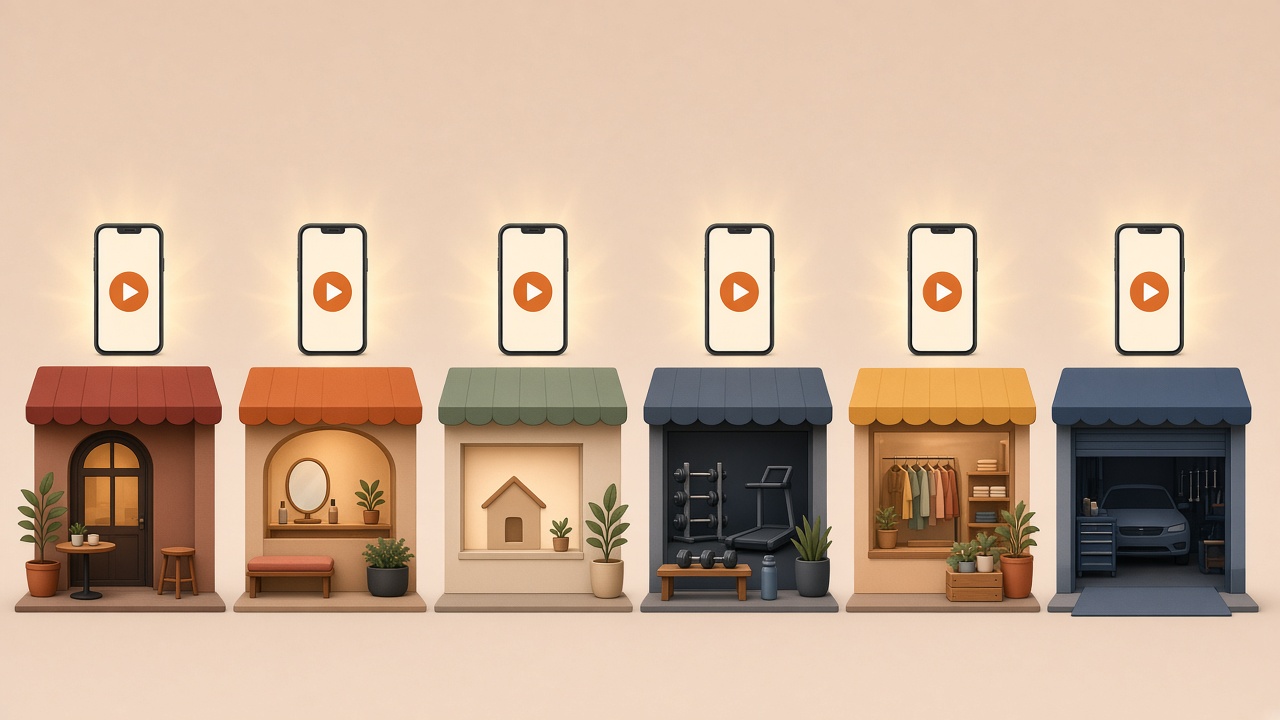
25 AI Video Ideas for a Small Business (By Industry)
25 AI video ideas for business: copy-paste prompts for restaurants, salons, realtors and gyms, plus which Plurel tool and model to use for each.
Updated Oct 11, 2026
How Much Does AI Video Cost? Credits Explained
See the real AI video cost: per-clip prices in credits across 15 models, what 60 credits buys, and packs vs plans.
Updated Oct 4, 2026