Kling 3.0 Prompts: Camera Moves and Motion That Work
Kling 3.0 prompts that actually work: camera verbs, subject action, pacing and lighting patterns, plus ten copy-paste prompts you can run today.
Updated Sep 23, 2026 9 min read
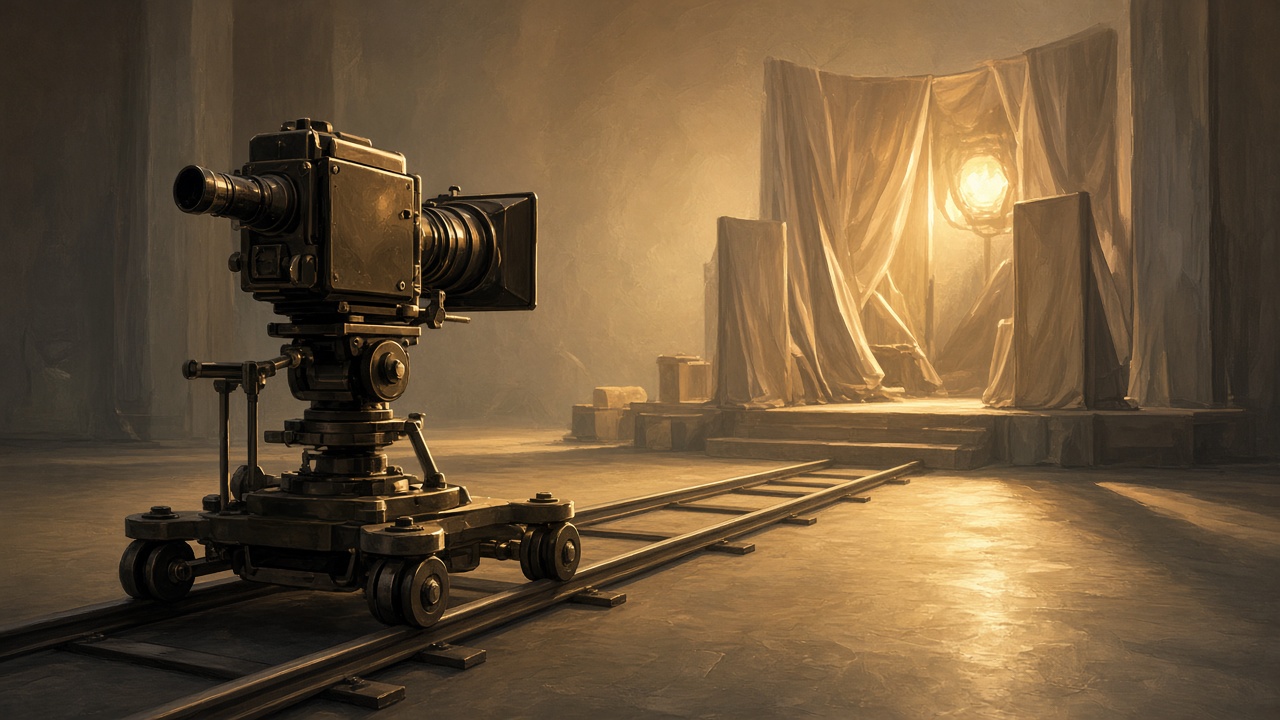
You get better clips out of Kling 3.0 by writing prompts the way a shot list is written, not the way a caption is written. Say who is on screen, what they do, how the camera moves, how fast it all happens, and what the light looks like — in that order — and Kling 3.0 holds the shot together for the full 15 seconds instead of drifting into something else halfway through.
This guide gives you the sentence patterns that work, ten prompts you can paste in as-is, the mistakes that cause warped hands and camera confusion, and the exact clicks to run any of them in Plurel.
How Kling 3.0 actually reads your prompt
Video models don't parse a prompt like a sentence — they turn it into a rough storyboard, then animate between the beats you gave them. If your prompt is one long list of adjectives, the model has to guess which words control the camera, which control the subject, and which control the mood, and it guesses wrong more often than you'd like.
A prompt that separates subject, action, camera, pace and light into short clauses gives Kling 3.0 far less to guess. You don't need punctuation tricks or brackets — plain clauses in that order are enough:
[subject] [action], [camera move], [pace], [light]
For example: "A barista steams milk behind a counter, camera slowly pushes in, unhurried, warm morning light through a window." Four clauses, four jobs. Compare that with "beautiful cozy coffee shop scene with barista making latte art aesthetic vibes cinematic" — that second version has no verbs for the camera or the action, so the model invents both, and invented camera moves are the single biggest cause of a clip that looks aimless.
Camera verbs that Kling 3.0 follows well
Name the move, not the mood. "Cinematic" is not a camera move; "slow dolly in" is.
- Push in / pull out — camera moves toward or away from the subject on a straight line. Good for reveals and for ending on a face.
- Pan left / pan right — camera rotates on a fixed spot. Good for revealing what's beside the subject.
- Tilt up / tilt down — camera rotates vertically on a fixed spot. Good for revealing height (a building, a tree) or looking down at hands.
- Tracking shot / follow shot — camera moves alongside or behind a moving subject at the same speed. Good for walking, running, driving.
- Crane up / crane down — camera rises or falls, usually ending wider or higher. Good for the last shot of a sequence.
- Handheld — small natural sway, no locked frame. Good for urgency or documentary feel.
- Static / locked-off — camera does not move at all. Good when you want the subject's motion, not the camera's, to carry the shot.
- Rack focus — focus shifts from one plane to another while the frame stays put. Good for foreground-to-background reveals.
Pick one primary move per prompt. Two are fine if they happen in sequence ("push in, then tilt down to the hands"); three or more competing moves in one sentence is the fastest way to get a shot that stutters.
Subject action and pacing
Write the action as one continuous verb phrase in the present tense, not a list of things that happen. "A dancer spins and jumps and lands and bows" asks for four distinct beats in a few seconds; "a dancer spins into a slow landing" asks for one continuous motion, which is what the model is actually built to animate smoothly.
Pace words matter as much as camera verbs:
- slow motion or in slow motion — for a single beat you want to linger on
- in real time or at a natural pace — the default if you say nothing
- quickly or abruptly — for a snap of motion, a door slamming, a head turning fast
- gradually — for something that builds across the full clip, like fog rolling in or a light dimming
Put the pace word right next to the verb it modifies, not at the end of the sentence, so the model doesn't have to guess which action it applies to.
Lighting language
Light is doing two jobs at once in a video prompt: it sets the mood and it tells the model what time of day and what kind of space it's in, which affects everything from shadows to color grading.
| Say this | You get |
|---|---|
| golden hour, long shadows | warm low sun, orange rim light |
| overcast, soft diffused light | flat even light, no hard shadows |
| neon rim light, deep shadows | night city look, colored edge light |
| backlit, silhouette | subject as a dark shape against bright background |
| practical lamps, warm interior | cozy indoor look lit by in-scene lights, not a studio |
Naming a light source ("lit by a single desk lamp," "backlit by a doorway") tends to hold up better across the full 15 seconds than a mood word alone ("moody lighting"), because a source gives the model something physical to keep consistent as the camera moves.
What to avoid
Negative instructions rarely work — "no text on screen" or "don't show a second person" tends to make the exact thing you didn't want appear, because the model reads the words in your prompt as things to render, not things to exclude. Describe the scene you want instead of the scene you don't want.
Other patterns that cause trouble:
- Overloading one sentence with three or more separate actions. Split a multi-beat idea into two shots instead — generate the first, then use Extend to continue it.
- Vague style stacking ("cinematic, 8k, hyperrealistic, trending, award-winning") wastes words that could have been a camera verb or a light source.
- Dialogue in a Kling 3.0 prompt. Kling 3.0 is built for cinematic motion, not lip-synced speech — if you need a character to talk, write the same shot for Kling 3.0 Turbo, which handles lip-synced dialogue directly.
- Multiple unrelated scenes in one prompt. If you need several different shots that share characters, that's a storyboard job — see Kling O3 below.
Ten copy-paste prompts
A lighthouse keeper climbs a spiral staircase, camera tracks upward behind them, at a natural pace, warm lamplight against dark stone walls.
A vertical tracking shot with a light source doing the mood work. Run on Kling 3.0.
A cheetah sprints across dry grassland, camera tracks alongside at ground level, quickly, harsh midday sun casting short shadows.
Fast tracking shot with strong directional light. Run on Kling 3.0.
A chef plates a dessert on a dark countertop, camera pushes in slowly on the hands, unhurried, single overhead spotlight.
Slow push-in product-style shot. Run on Kling 3.0.
A hot air balloon drifts over a valley at dawn, camera cranes upward and pulls back, gradually, golden hour light with long shadows below.
Rising crane shot for an establishing feel. Run on Kling 3.0.
A cyclist rides through a rain-soaked city street at night, camera follows from behind at the same speed, in real time, neon rim light reflecting off wet pavement.
Night tracking shot leaning on colored rim light. Run on Kling 3.0.
An old clock's gears turn in close-up, camera performs a rack focus from the front gear to the ones behind it, slowly, cool blue light from a nearby window.
Focus-pull macro shot. Run on Kling 3.0.
A surfer paddles out past the break, static camera locked on the horizon, at a natural pace, overcast soft diffused light.
Locked-off shot where the subject carries all the motion. Run on Kling 3.0.
A woman walks into a diner and sits at the counter, camera pans left to follow her, at a natural pace, warm interior light from hanging bulbs.
Pan shot suited to a walk-and-sit beat. Run on Kling 3.0.
A detective explains the case to a partner across a desk, "The numbers don't add up," camera slowly pushes in on her face, static two-shot to start.
Includes spoken dialogue with lip sync — run on Kling 3.0 Turbo, not Kling 3.0.
Shot one: a courier picks up a package in a warehouse, quick handheld camera. Shot two, same courier: delivers it to a doorstep at dusk, camera pulls back, golden hour light.
A two-shot sequence with a consistent character across cuts. Run on Kling O3, which is built for multi-shot storyboards with native audio.
Do it in Plurel
- Open plurel.tech and sign in with Google — new accounts start with 60 free credits, no card needed.
- Under the composer, click Video, or go straight to plurel.tech/?model=video.
- From the model list, pick Kling 3.0 — or jump directly to it at plurel.tech/?model=kling-3.0. It runs 15-second 1080p clips from 55 credits, with optional end-frame control.
- Paste one of the prompts above into the box. If you want the clip to land on a specific final frame, upload that image to the end-frame slot before you generate.
- Check the credit cost shown against your balance, then generate.
- To keep going past 15 seconds, open the clip and use Extend (plurel.tech/?model=video-extend) rather than writing a brand-new prompt — it continues the same shot instead of starting over.
- For small changes — "make it night instead," "same shot but she's wearing a red coat" — type the follow-up straight into the chat under the clip. The chat edits what was just made rather than generating a fresh, unrelated clip.
If your scene needs spoken dialogue, open Kling 3.0 Turbo instead — same visual quality at turbo speed, from 20 credits, with lip sync built in. If you need several connected shots of the same character, open Kling O3, which is built for multi-shot storyboards with native audio, from 20 credits.
Troubleshooting
Camera does something you didn't ask for: you likely gave it two competing moves or none at all. Name one primary move and put it right after the action clause.
Clip feels rushed or the action is over in a blink: add an explicit pace word next to the verb — "gradually," "slowly," "in slow motion" — rather than relying on the model's default timing.
Faces or hands look off during fast motion: slow the pace word down, or switch the shot to a static or push-in camera move, which gives the model less to track per frame.
You need a longer story than 15 seconds: don't cram it into one prompt — generate the first beat, then use Extend, or move the whole idea into Kling O3's storyboard format for consistent characters across cuts.
For a wider comparison of when to reach for Kling 3.0 versus its Turbo and O3 siblings, see our Kling 3.0 vs Kling O3 vs Kling 3.0 Turbo guide, and for camera and lighting language that carries across every video model in Plurel, see AI Video Prompt Tips.
Write the shot list first, the prompt second, and Kling 3.0 will spend its 15 seconds doing what you actually asked for.
Questions people ask
- What makes a good Kling 3.0 prompt?
- A short sequence of clauses covering subject and action, one primary camera move, a pace word, and a named light source, in that order, rather than a single list of mood adjectives.
- Does Kling 3.0 support dialogue and lip sync?
- Kling 3.0 is built for cinematic motion rather than speech. For lip-synced dialogue, use Kling 3.0 Turbo instead, which handles spoken lines directly.
- How long are Kling 3.0 clips and can I make them longer?
- Kling 3.0 generates 15-second 1080p clips from 55 credits. To continue past that, use the Extend tool on the finished clip instead of writing a new prompt from scratch.
- Why does my Kling 3.0 clip ignore my camera instruction?
- This usually happens when a prompt names two or more competing camera moves, or none at all. Name one primary move right after the action clause for the most reliable result.
- Should I use negative prompts like 'no text' with Kling 3.0?
- Negative instructions tend to backfire because the model reads the words as things to render. Describe the scene you want instead of the thing you want to avoid.
- What's the difference between Kling 3.0 and Kling O3 for prompting?
- Kling 3.0 is for a single cinematic shot; Kling O3 is built for multi-shot storyboards with native audio when you need the same character across several connected cuts.
Keep going
Best AI Video Generator in 2026: Compared by Cost
The best AI video generator depends on length, sound and budget. Compare Veo 3.1, Kling 3.0, Seedance 2.5, Wan, MiniMax and Grok Imagine by cost per clip.
Updated Sep 22, 2026
Kling 3.0 vs Kling O3 vs Kling 3.0 Turbo Compared
Kling 3.0, Kling O3 and Kling 3.0 Turbo compared: multi-shot storyboards, speed, cost, and which one to pick for your next AI video.
Updated Sep 21, 2026

Seedance 2.5: What It Is and How to Use It
Seedance 2.5 explained: ByteDance's 30-second, 4K video model, its reference system, Plurel credit prices, and how it compares to Kling 3.0.
Updated Sep 20, 2026

How to Make a Short Film With AI, Start to Finish
Learn how to make a short film with AI: write the plan, design a hero character, animate 3–5 clips, and assemble the finished film in Plurel.
Updated Sep 19, 2026