Leonardo AI Alternative: 6 Image Models Compared
Looking for a Leonardo AI alternative? Compare six image models on realism, text, editing and price per picture, and make your first image today.
Updated Nov 15, 2026 6 min read
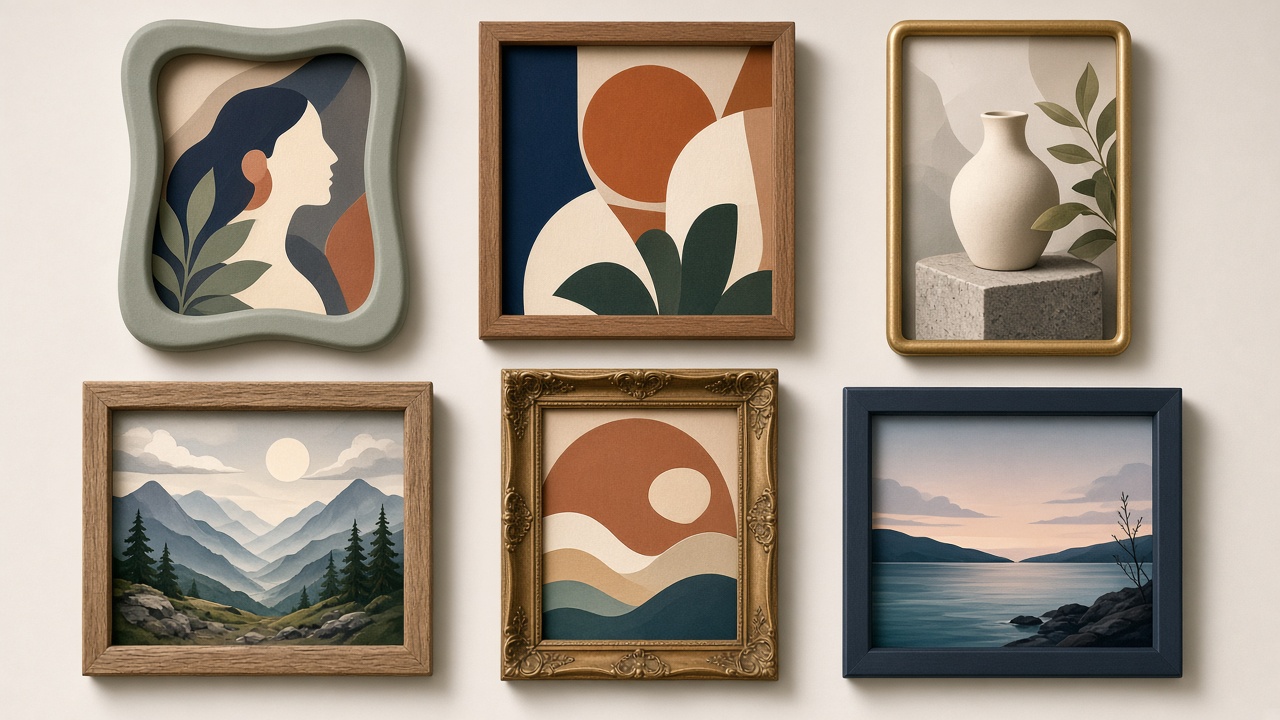
If you've been generating images in Leonardo AI and are wondering whether it's still the right tool — or whether the token system is starting to feel limiting — you have options. This guide compares Leonardo AI against six image models available in Plurel on the things that actually matter: how realistic the output looks, whether it can render legible text, how easy it is to edit after the fact, and what each picture actually costs.
What Leonardo AI offers
Leonardo AI is a browser-based image generation platform built around its own Phoenix model family, alongside access to other third-party models, a canvas-style workspace for iterating on an image, and tools for training your own custom or character-specific models. It charges with a token system: a baseline of free tokens that refresh on a schedule, plus paid plans for heavier or commercial use.
That setup works well if you want to fine-tune a model on your own character or brand assets and keep reusing it. It's less convenient if you only need an image occasionally, want video on the same account, or want a single flat credit price you can check before you generate. For exact current token allowances and plan pricing, check Leonardo's own site directly — those numbers change often enough that we won't guess at them here.
What a Leonardo alternative actually needs to do
The honest test for any alternative is simple: does it match or beat Leonardo on the pictures you actually make, for a price you know in advance? For most people that comes down to four things:
- Realism — does a portrait or product shot look like a photo, not a render?
- Text in images — can it put a word, logo or sign into the picture and spell it correctly?
- Editing — can you change one thing (an outfit, a background, a pose) without regenerating the whole image?
- Price per picture — a number you see before you click, not a token balance you have to convert in your head.
The image models compared
Plurel runs all of its image models on one credit balance, so switching between them costs nothing extra — you just pick the right one for the job.
| Model | Credits | Realism | Text in image | Editing | Best for |
|---|---|---|---|---|---|
| Plurel Lite | 0.5 | Good | Basic | Via follow-up | Fast iteration, testing ideas |
| Grok Imagine 2 | 2 | Good | Sharp typography | Precise edits | Logos, signage, quick swaps |
| Qwen Image 3 Pro | 2.5 | Good | Tiny legible text, 12 languages | Via follow-up | Dense layouts, multilingual copy |
| Seedream 5 | 3 | Strong | Accurate to prompt | Via follow-up | Detail-heavy single shots (1K/2K) |
| Nano Banana 2.1 | 4 | Strongest | Sharper text, infographics | Steady characters across edits | Photoreal portraits, product shots |
| GPT Image 2.6 | 4 | Strong | Sharp layouts, posters | Multi-round edits | Flyers, posters, iterative design work |
A few notes behind the table:
Nano Banana 2.1 is Google's current photorealistic model in the catalog, and it's built to keep a character's face steady across follow-up edits — useful if you're making a series of images of the same person or product. You can read more in the Nano Banana 2.1 guide or open it directly at plurel.tech/?model=nano-banana-2.
GPT Image 2.6 leans toward layouts, posters and anything with words in it, and supports multi-round edits in the same conversation. See the GPT Image 2.6 guide or the Nano Banana vs GPT Image comparison if you're torn between the two.
Qwen Image 3 Pro is built for dense layouts and small legible text across 12 languages, which matters if you're making packaging mockups, infographics, or anything with a lot of copy packed into one image.
Grok Imagine 2 focuses on sharp typography and precise, targeted edits — good when you need to change one specific element without touching the rest of the image.
Seedream 5 trades some speed for detail accuracy, generating at 1K or 2K with strong adherence to the prompt — a solid middle ground between Plurel Lite's speed and Nano Banana's realism.
Plurel Lite is the cheapest option at 0.5 credits and is meant for drafts: testing composition and prompt wording before you spend more on a higher-detail model.
Rule of thumb by job
- Headshot or product photo that needs to look real: Nano Banana 2.1 (4 credits).
- Flyer, poster, or ad with words in it: GPT Image 2.6 or Qwen Image 3 Pro.
- Testing five versions of a prompt before committing: Plurel Lite (0.5 credits).
- Swapping one element and keeping everything else: Grok Imagine 2 or a follow-up message on whatever you already made.
- A single detailed shot where accuracy to the prompt matters most: Seedream 5.
- Dense, multilingual layout (packaging, infographic): Qwen Image 3 Pro.
Where Leonardo AI tends to still make sense is if your workflow is built around training a persistent custom model on one character or brand and reusing it constantly inside its canvas — that's a different kind of job than picking a model per image, and it's worth keeping in mind if that's specifically what you need.
Do it in Plurel: make your first image
- Go to plurel.tech and sign in free with Google — no card needed.
- The app opens on a chat. Under the composer, click Image.
- Pick a model — for a realistic first try, open plurel.tech/?model=nano-banana-2 (4 credits), or for a cheap draft use plurel.tech/?model=lite (0.5 credits).
- Type what you want, for example: "studio product shot of a ceramic coffee mug on a marble counter, soft side lighting."
- Generate. To change it, just reply in the same chat — "same mug but blue" or "add steam rising from it" — and it edits what was just made rather than starting over.
- If you need the background removed or the image upscaled afterward, those are separate tools: Remove BG (0.5 credits) and Upscale (1 credit).
The same credit balance also makes video, which Leonardo AI's core image plan doesn't cover in the same place. Click Video under the composer, or open a model directly — Veo 3.1 Fast (20 credits from) for fast 8-second clips with realistic motion, or Seedance 2.0 (12.5 credits from) for 5–15 second clips you can extend or edit. For picking between video models, see the best AI video generator guide.
Troubleshooting and tips
- Text in the image comes out garbled: switch to GPT Image 2.6 or Qwen Image 3 Pro — they're built specifically for legible text, where general-purpose models often aren't.
- A character's face changes between images: use Nano Banana 2.1 and keep edits as follow-ups in the same chat rather than starting new prompts each time, since that's what keeps the face steady.
- Spending too many credits on drafts: do the first few rounds in Plurel Lite at 0.5 credits, then move the final version up to a higher-detail model once the composition is right.
- Need the model to plan a multi-image set for you: ask Claude Opus 5.5 or GPT-6 Astra in chat to plan the shots — you'll see and approve the credit cost before anything generates.
If you're also comparing how AI image generation works under the hood, the How AI Image Generators Work guide covers the mechanics in plain English.
Leonardo AI is a capable tool, especially if custom model training is central to your workflow — but if you want a flat, visible credit price per picture, strong text rendering, and video on the same balance, it's worth trying one image and one clip in Plurel before you renew.
Questions people ask
- Is there a free alternative to Leonardo AI?
- Plurel is free to join with Google and no card. Free accounts include chat and pictures that refill every 5 hours, so you can make images without spending credits; video and heavier use draw from credits.
- Which Plurel model is closest to Leonardo AI's photoreal style?
- Nano Banana 2.1 is the closest match for photoreal portraits and product shots, at 4 credits per image, with steady character consistency across follow-ups.
- Can I edit an image after generating it, the way Leonardo's canvas works?
- Yes. In Plurel's chat, a follow-up message like "make the jacket red" or "same scene at night" edits the image you just made, no separate canvas tool needed.
- Which model is best for an image with readable text in it?
- GPT Image 2.6 and Qwen Image 3 Pro are built for legible text in images, posters and dense layouts; Qwen Image 3 Pro also handles 12 languages.
- What's the cheapest way to test a prompt before committing credits?
- Plurel Lite costs 0.5 credits per image and is meant for fast iteration, so it's the cheapest way to try a prompt before moving to a higher-detail model.
- Does switching from Leonardo AI to Plurel also get me video?
- Yes. The same credit balance that pays for images also pays for video models like Veo 3.1 Fast or Seedance 2.0, so there's no separate account or payment needed.
Sources
Keep going
Midjourney Alternative That Also Makes Video (2026 Guide)
Looking for a Midjourney alternative? Compare Nano Banana 2, Seedream 5 and Grok Imagine for image quality, then animate the result in one app.
Updated Oct 6, 2026
Best AI Image Generator in 2026: 5 Models Compared
The best AI image generator in 2026 depends on the job. Compare Nano Banana 2, Seedream 5, Grok Imagine 2, GPT Image 2.5 and Qwen Image 3 Pro on cost and use.
Updated Sep 23, 2026
Negative Prompt Guide: What to Leave Out of AI Images
What a negative prompt is, which AI image models still honor one, and the exact wording that avoids blurry hands, watermarks, and extra limbs.
Updated Oct 12, 2026

25 AI Video Ideas for a Small Business (By Industry)
25 AI video ideas for business: copy-paste prompts for restaurants, salons, realtors and gyms, plus which Plurel tool and model to use for each.
Updated Oct 11, 2026