Kling 4.0 vs Kling O3: Which Video Model to Use
Kling 4.0 vs Kling O3 compared: length, resolution, sound, reference control and Plurel credit price, so you know which to click.
Updated Nov 17, 2026 7 min read
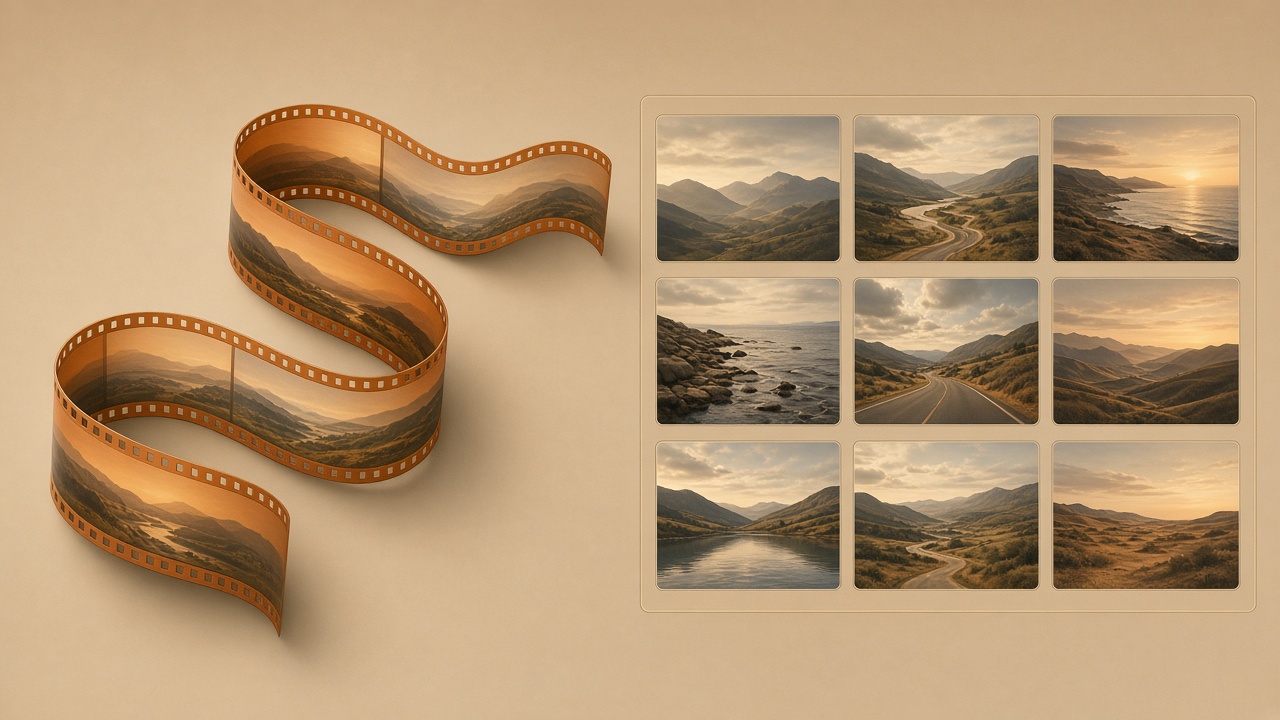
Kling 4.0 makes one continuous shot up to 30 seconds long with pinned first and last frames. Kling O3 builds a multi-shot storyboard where the same character holds together across several cuts, with native audio on every one. Pick Kling 4.0 for a single flowing scene; pick Kling O3 when the result needs to look like a short film with more than one shot.
Both are Kuaishou's Kling models, both run inside Plurel on the same credit balance, and both sound a clip rather than leaving you to add music or voice afterward. The difference is structural: one model is built to hold a camera steady through one long take, the other is built to cut between shots without losing the character, the lighting, or the plot.
What Kling 4.0 is built for
Kling 4.0 is Kuaishou's current flagship for single-shot video. On platforms that run the raw model outside Plurel, Higgsfield's rollout notes describe videos from 3 to 30 seconds at up to 1080p, with up to 10 keyframes, 15 reference images, and stereo audio throughout. That 30-second ceiling is new: Voyager's model page notes the length runs 3 to 30 seconds per generation, in whole seconds, double the previous version's 15-second cap. So a Kling 4.0 clip can now cover a full continuous action, not just a short fragment.
In Plurel, Kling 4.0 is listed as Up to 30 seconds with stereo sound, with the ability to pin the first and last frame or follow a reference clip. That first/last-frame pin is the model's real strength: tell it where the shot starts and where it ends, and it fills in the motion between those two points on its own. That's the right tool for a product spin that has to land on a specific angle, a walk that has to end at a specific door, or a transformation shot where you already know the "before" and "after" frames.
What it isn't built for is cutting between different angles or locations inside one generation. Ask it for "wide shot, then close-up, then a different room" and it will try to render that as one continuous camera move, which usually looks wrong. For that job, you want Kling O3.
What Kling O3 is built for
Kling O3 is Kling's multi-shot model. Instead of one long take, it plans a short sequence of shots — a storyboard — and renders them as one clip while keeping the same character, outfit, and setting recognizable from cut to cut. In Plurel it's listed as Multi-shot storyboards with native audio, with the specific promise of consistent characters across every cut. That's the piece Kling 4.0 doesn't do on its own: if your prompt describes a scene in beats ("she opens the door — cut to her reaction — cut to what she's looking at"), Kling O3 is built to turn that into several shots in one generation instead of one unbroken take.
The trade-off is scope, not quality. A storyboard model is spending its effort on matching faces and props across shots rather than on holding one camera move steady for thirty seconds. If what you actually need is one smooth continuous shot, Kling O3's cuts are working against you; if what you need is a scene that reads like it has coverage — a wide, a medium, a close-up — Kling 4.0 working alone would need several separate generations stitched together to fake that, and matching the character between those separate generations is exactly the hard part Kling O3 solves natively.
Kling 4.0 vs Kling O3 at a glance
| Kling 4.0 | Kling O3 | |
|---|---|---|
| Structure | One continuous shot | Multiple shots, one storyboard |
| Length | Up to 30 seconds | Several shots per generation |
| Sound | Stereo audio | Native audio on every cut |
| Reference control | Pin first/last frame, or follow a clip | Keeps the same character across cuts |
| Best for | A single flowing camera move | A scene that needs more than one angle |
| Plurel price | 32.5 credits from | 20 credits from |
| Open it | plurel.tech/?model=kling-4-0 | plurel.tech/?model=kling-o3 |
Kling O3 starts cheaper, at 20 credits, against Kling 4.0's 32.5. Both prices rise from there with the length and resolution you choose, the same way every video model in the app works — longer and sharper always costs more credits, never fewer.
Do it in Plurel
You don't need to pick a model before you start. Open the chat at plurel.tech, sign in free with Google, and either type your prompt or click Video in the row under the composer to go straight to the video tool.
To try Kling 4.0 for one continuous shot:
- Open plurel.tech/?model=kling-4-0 directly, or click Video and choose Kling 4.0 from the model list.
- Describe the shot and, if it matters, the start and end: "slow push in on a coffee cup on a wooden table, steam rising, camera ends close on the surface of the coffee."
- If you have a first frame and a last frame you want it to hit, attach them — that's the pin feature the model is built around.
- Approve the credit cost shown before it generates, starting at 32.5 credits.
- Once it's made, you can keep editing it by follow-up in the same chat — "same shot but at night," or send it to Extend at plurel.tech/?model=video-extend to continue past the end.
To try Kling O3 for a multi-shot scene:
- Open plurel.tech/?model=kling-o3, or choose Kling O3 from the Video tool's model list.
- Write the prompt in beats, the way you'd describe a storyboard: "Shot one: a woman reaches for a doorknob. Shot two: close-up on her face as the door creaks. Shot three: what she sees inside the room." Name the character once so it carries through — "a woman in a red coat" — and the model will try to keep her the same across all three shots.
- Approve the credit cost, starting at 20 credits, before it renders.
- If one shot in the result doesn't match, you can send the clip to Video edit at plurel.tech/?model=video-edit and describe just the fix, rather than regenerating the whole sequence.
Either model can also be planned for you: open a chat with Claude Opus 5.5 or GPT-6 Astra, describe the finished scene in plain English, and the chat model will propose which of the two to use and what the shot list should be — you approve the credit cost before anything renders.
Troubleshooting and tips
If Kling 4.0 keeps drifting off your end frame, make the prompt describe the camera move itself, not just the two endpoints — "camera pushes in slowly and settles on" reads better than listing two unrelated descriptions and hoping the model connects them.
If Kling O3's character changes between shots, give it one fixed description of the character up front and reuse the exact same wording in every shot beat, rather than re-describing her differently each time — the model matches on what you repeat.
If you're not sure which one you need, count the cuts in your head. One camera, one move, one ending: Kling 4.0. More than one angle or location in the same clip: Kling O3.
If the price feels high for a long clip, drop the resolution or the length first — both cost scales with seconds and resolution, so a shorter or 720p version of the same idea is the cheapest way to test a prompt before committing credits to the full-length version.
For more on how Kling's newest model behaves and what else changed in version 4.0, see Kling 4.0: What's New, What It Costs, How to Use It. For the storyboard side specifically, Multi-Shot AI Video: How Kling O3 Keeps a Scene Together and Kling 3.0 vs Kling O3 vs Kling 3.0 Turbo Compared go deeper on when O3 beats the plain models. If credits are the deciding factor, How Much Does AI Video Cost? Credits Explained breaks down how length and resolution change the bill across every model in the app.
The rule of thumb
One shot, one camera move, up to 30 seconds: Kling 4.0. A scene told in cuts that needs the same face and outfit to survive from one shot to the next: Kling O3. Both open from the same Video tool, cost the same to start, and let you keep editing by follow-up once you've seen the first result — so the cheapest way to decide is to try the same prompt on both and see which one actually looks like what you pictured.
Questions people ask
- What's the main difference between Kling 4.0 and Kling O3?
- Kling 4.0 renders one continuous shot up to 30 seconds long, while Kling O3 renders a multi-shot storyboard that keeps the same character consistent across several cuts in one generation.
- Which one is cheaper in Plurel?
- Kling O3 starts at 20 credits and Kling 4.0 starts at 32.5 credits in Plurel; both prices rise with the length and resolution you choose.
- Does Kling 4.0 have sound?
- Yes. Kling 4.0 generates stereo audio with the video, and Kling O3 generates native audio on every shot of its storyboard.
- Can Kling 4.0 do multiple camera angles in one generation?
- Not reliably. Kling 4.0 is built to hold one continuous camera move, so a prompt asking for several distinct angles or locations is better suited to Kling O3's multi-shot storyboard.
- How long can a Kling 4.0 clip be?
- Up to 30 seconds per generation, double the 15-second limit of the previous Kling version, according to platforms that run the model.
- Can I try both models on the same prompt in Plurel?
- Yes. Open the Video tool at plurel.tech/?model=video, run your prompt on Kling 4.0, then switch the model to Kling O3 and run it again to compare results before deciding.
Sources
Keep going
Best Sora 2 Alternatives in 2026, Compared by Price
Sora 2 is shut down. These are the best Sora 2 alternatives in 2026: Kling 4.0, Kling O3, Seedance 2.5, Veo 3.1 and MiniMax H3, compared with prices.
Updated Nov 9, 2026

Kling 4.0 Prompts: Sound, Keyframes, 30-Second Takes
Ten copy-paste Kling 4.0 prompts for multi-beat scenes, dialogue with sound, 30-second takes and keyframes, with length, format and credit cost for each.
Updated Nov 18, 2026
Kling 4.0: What's New, What It Costs, How to Use It
Kling 4.0 explained: 30-second clips, stereo sound, start/end frames and reference clips. See its credit price and how to run it in Plurel.
Updated Nov 9, 2026
Luma Dream Machine Alternative: 5 AI Video Models Compared
Looking for a Luma Dream Machine alternative? Compare Ray3 with Kling 4.0, Seedance 2.5, Veo 3.1 Fast and Wan 3.0 on length, control and price per clip.
Updated Nov 11, 2026